 United States
▾
United States
▾
 Afghanistan
 Albania
 Algeria
 Andorra
 Angola
 Argentina
 Armenia
 Australia
 Austria
 Azerbaijan
 Bahrain
 Bangladesh
 Barbados
 Belarus
 Belgium
 Belize
 Benin
Benin
 Bhutan
 Bolivia
 Bosnia and Herzegovina
 Botswana
 Brazil
 Brunei
 Bulgaria
 Burkina Faso
 Burundi
 Cambodia
 Cameroon
 Canada
 Cape Verde
 Central African Republic
 Chad
Chad
 Chile
Chile
 China
China
 Colombia
 Comoros
 Congo
Congo
 Costa Rica
 Croatia
 Cuba
Cuba
 Cyprus
 Czech Republic
 Denmark
 Djibouti
 Dominican Republic
 Ecuador
 Egypt
Egypt
 El Salvador
 Estonia
 Ethiopia
 Finland
 France
 Gabon
Gabon
 Gambia
 Georgia
 Germany
 Ghana
Ghana
 Greece
 Guatemala
 Guinea
 Guyana
 Haiti
Haiti
 Honduras
 Hungary
 Iceland
 India
India
 Indonesia
 Iran
Iran
 Iraq
Iraq
 Ireland
 Israel
 Italy
Italy
 Jamaica
 Japan
Japan
 Jordan
 Kazakhstan
 Kenya
Kenya
 Kuwait
 Kyrgyzstan
 Laos
Laos
 Latvia
 Lebanon
 Lesotho
 Liberia
 Libya
Libya
 Lithuania
 Luxembourg
 Madagascar
 Malawi
 Malaysia
 Maldives
 Mali
Mali
 Malta
Malta
 Mauritania
 Mauritius
 Mexico
 Moldova
 Mongolia
 Montenegro
 Morocco
 Mozambique
 Myanmar
 Namibia
 Nepal
Nepal
 Netherlands
 New Zealand
 Nicaragua
 Niger
Niger
 Nigeria
 Norway
 Oman
Oman
 Pakistan
 Panama
 Paraguay
 Peru
Peru
 Philippines
 Poland
 Portugal
 Qatar
Qatar
 Romania
 Russia
 Rwanda
 Saudi Arabia
 Senegal
 Serbia
 Singapore
 Slovakia
 Slovenia
 South Africa
 South Korea
 Spain
Spain
 Sri Lanka
 Sudan
Sudan
 Sweden
 Switzerland
 Syria
Syria
 Taiwan
 Tajikistan
 Tanzania
 Thailand
 Turkey
 Turkmenistan
 Uganda
 Ukraine
 United Arab Emirates
 United Kingdom
 United States
 Uruguay
 Uzbekistan
 Venezuela
 Vietnam
 Yemen
Yemen
 Zambia
 Zimbabwe
3 min read
592 words
490 views
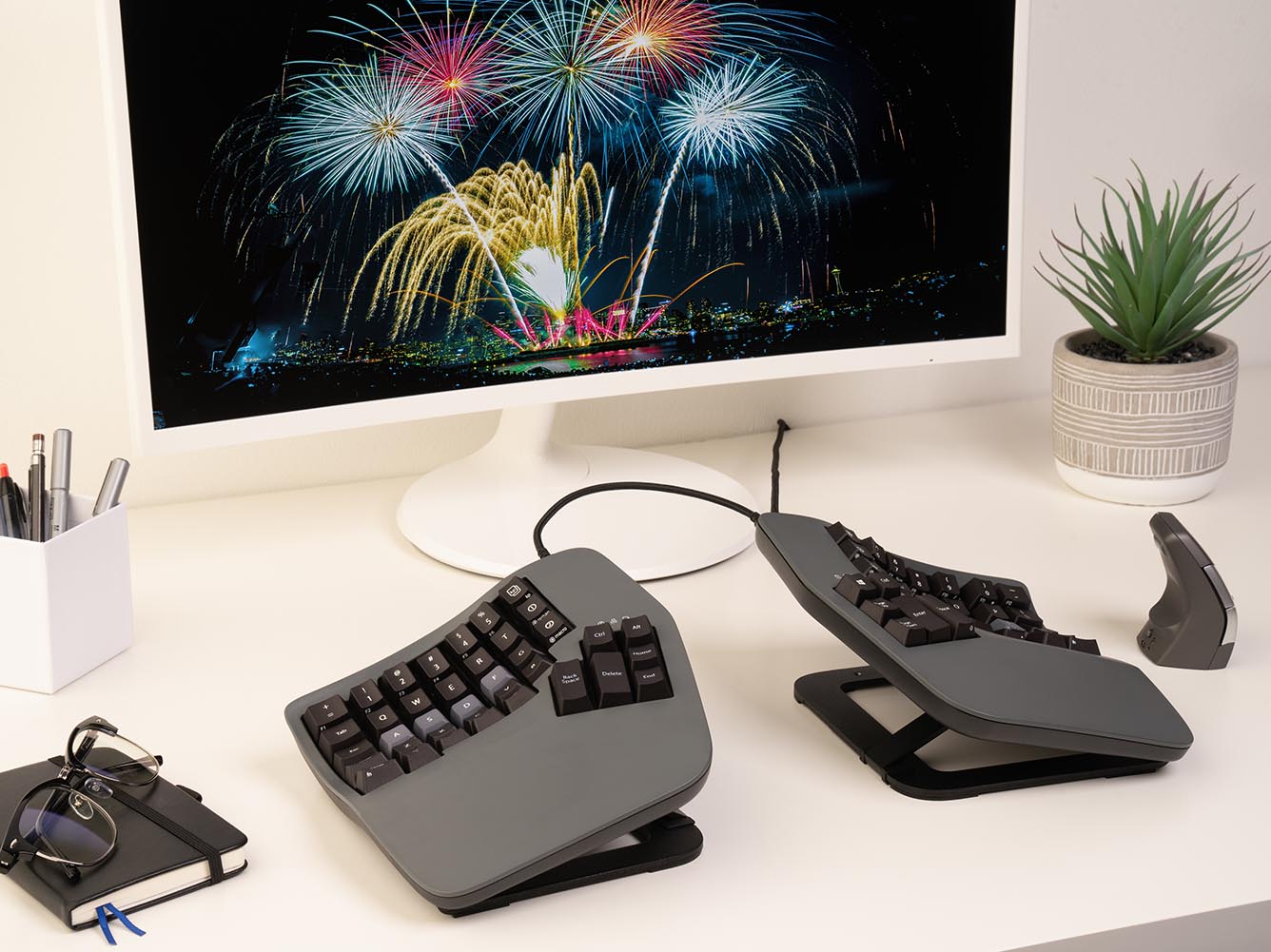
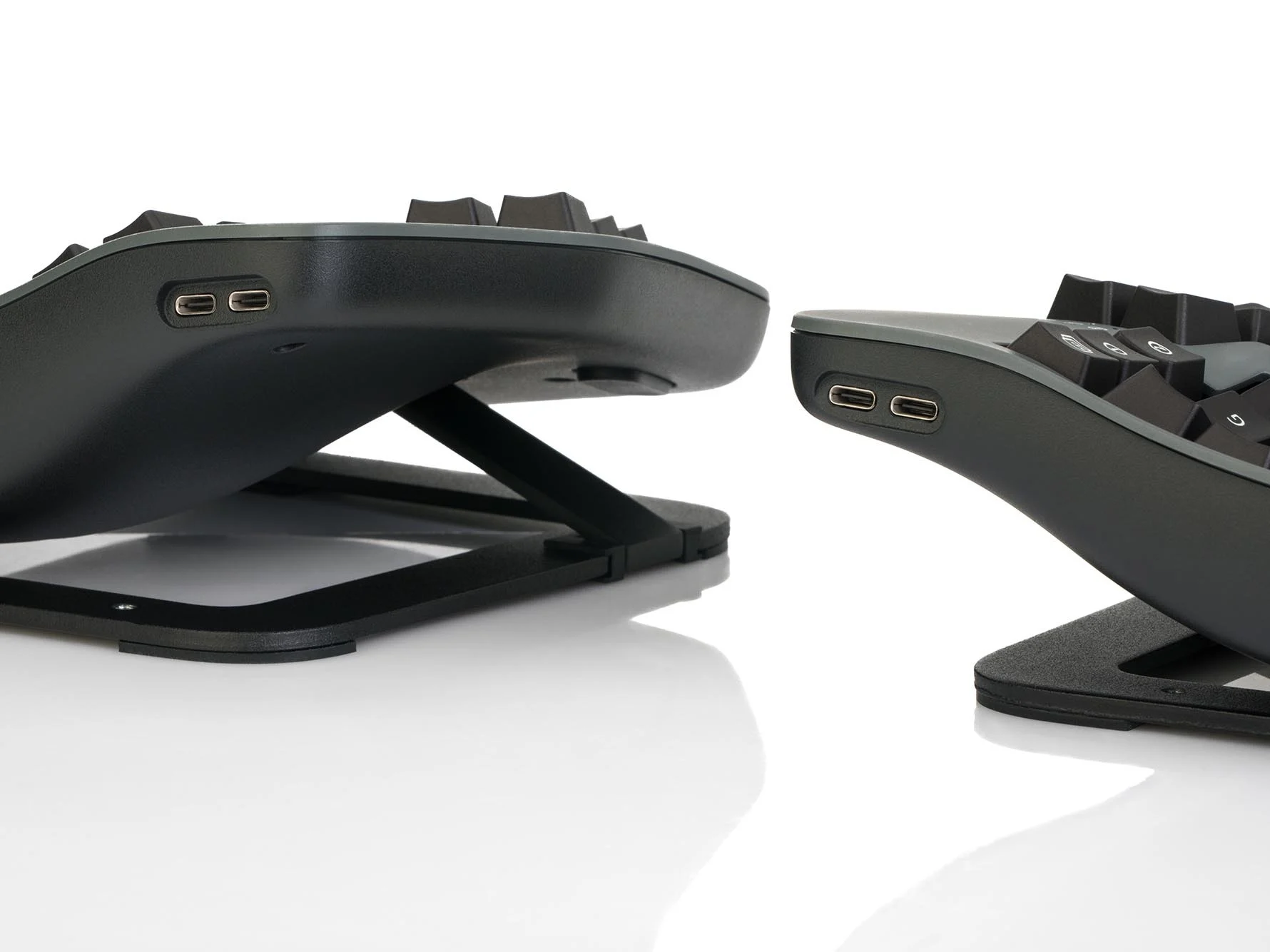
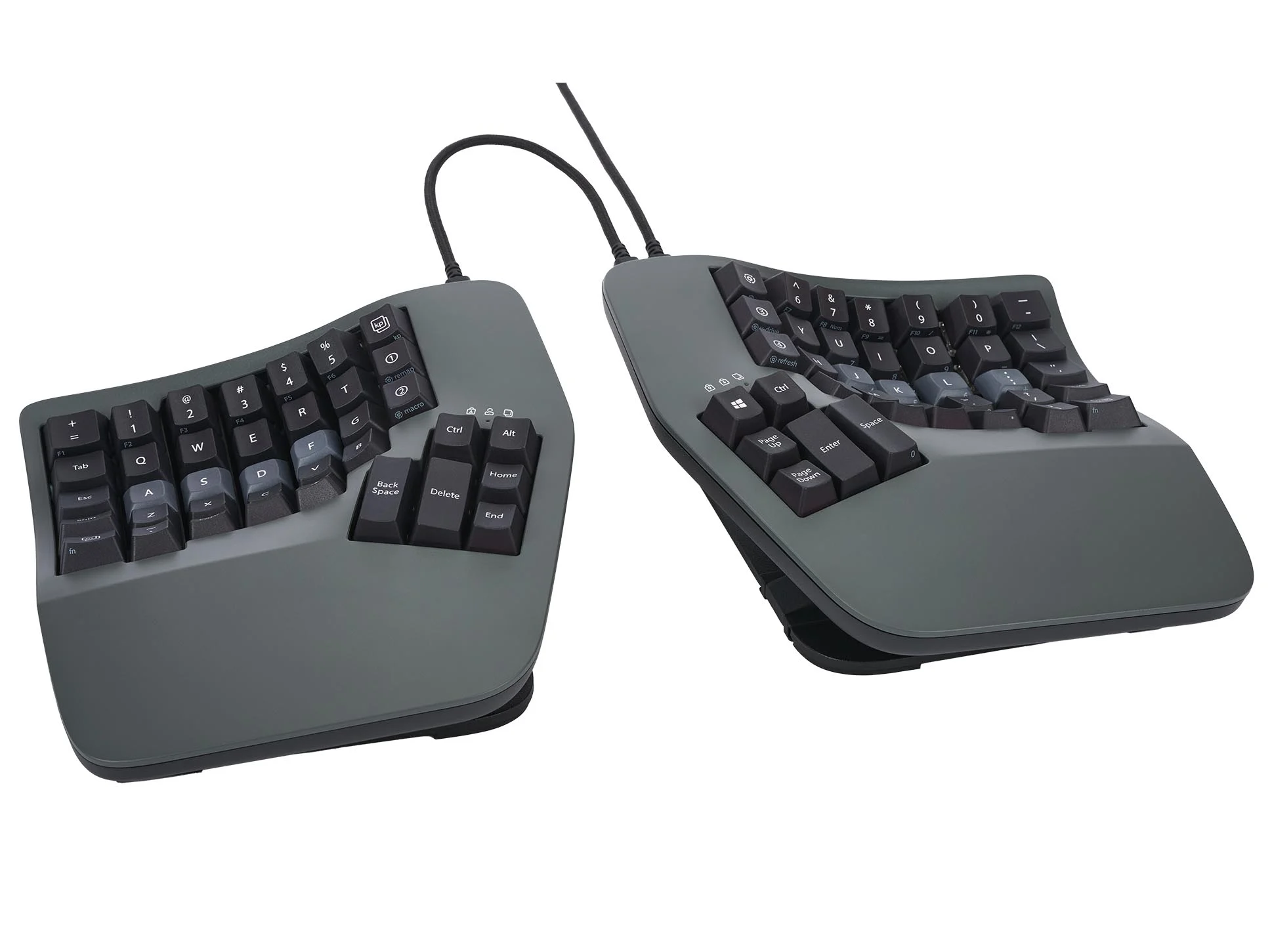
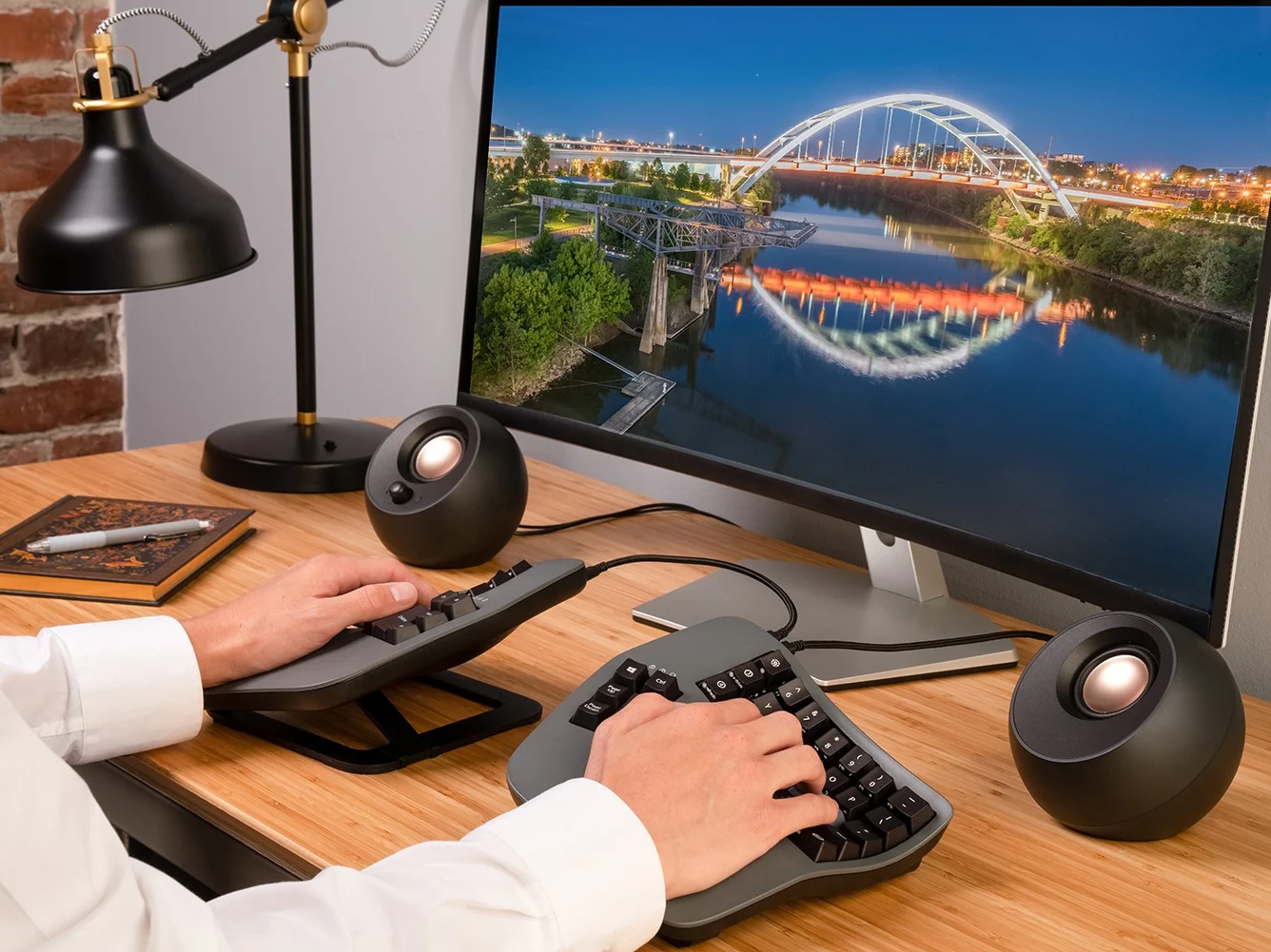
Kinesis – Wrist, Hand & Finger Pain Relief
Ergonomic Support for Joint Stability, Comfort & Daily Function
Kinesis support solutions are designed to relieve wrist, hand, and finger pain
by promoting proper joint alignment, reducing repetitive strain, and stabilizing
movement during daily activities. Built with ergonomics in mind, Kinesis products
help ease pressure on tendons, nerves, and small joints commonly affected by
overuse, poor posture, or prolonged typing and gripping.
Ideal for both recovery and prevention, Kinesis supports everyday comfort,
improved hand function, and reduced inflammation—making it easier to work,
create, and move without constant hand or wrist discomfort.