

Description
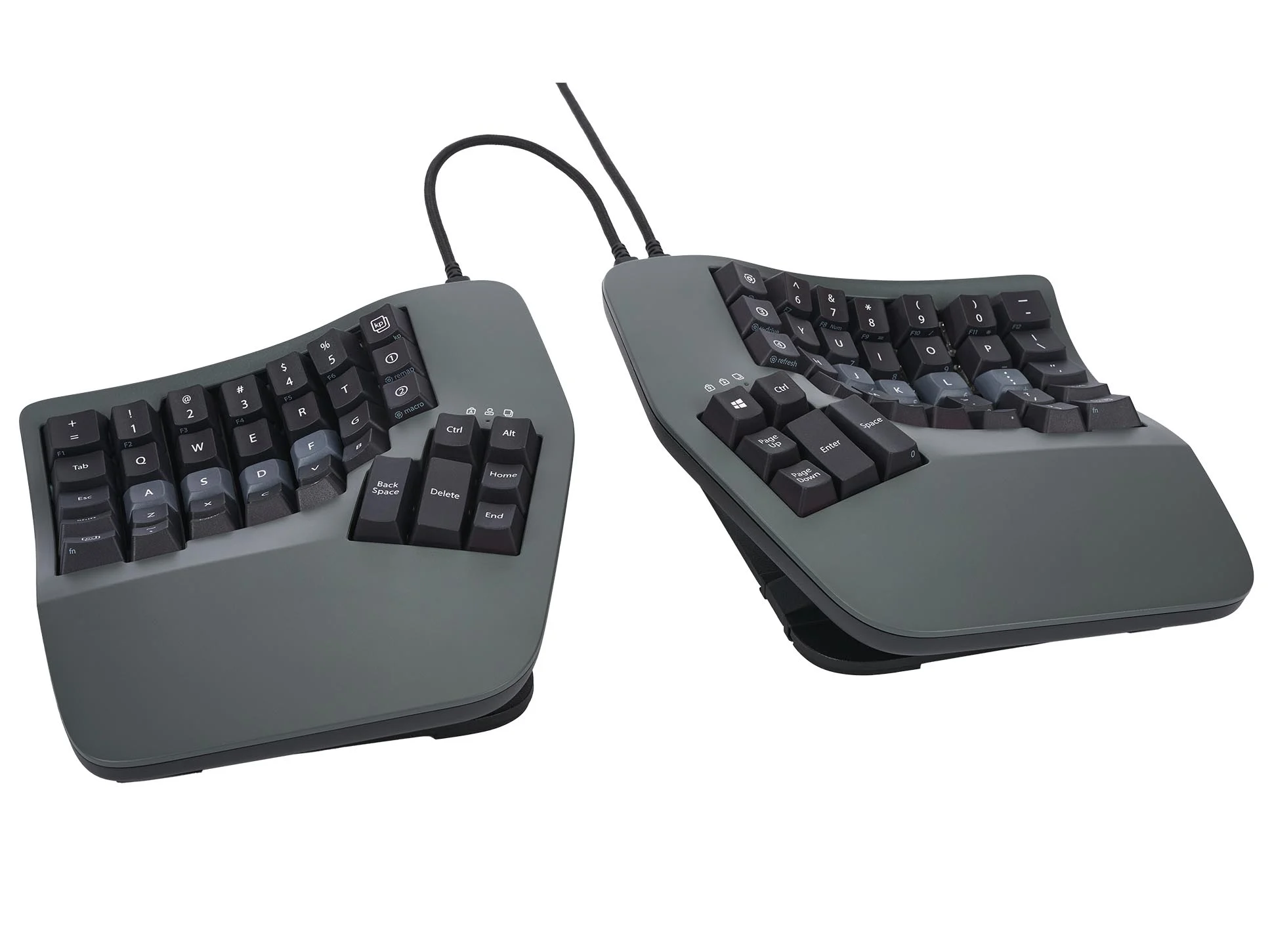
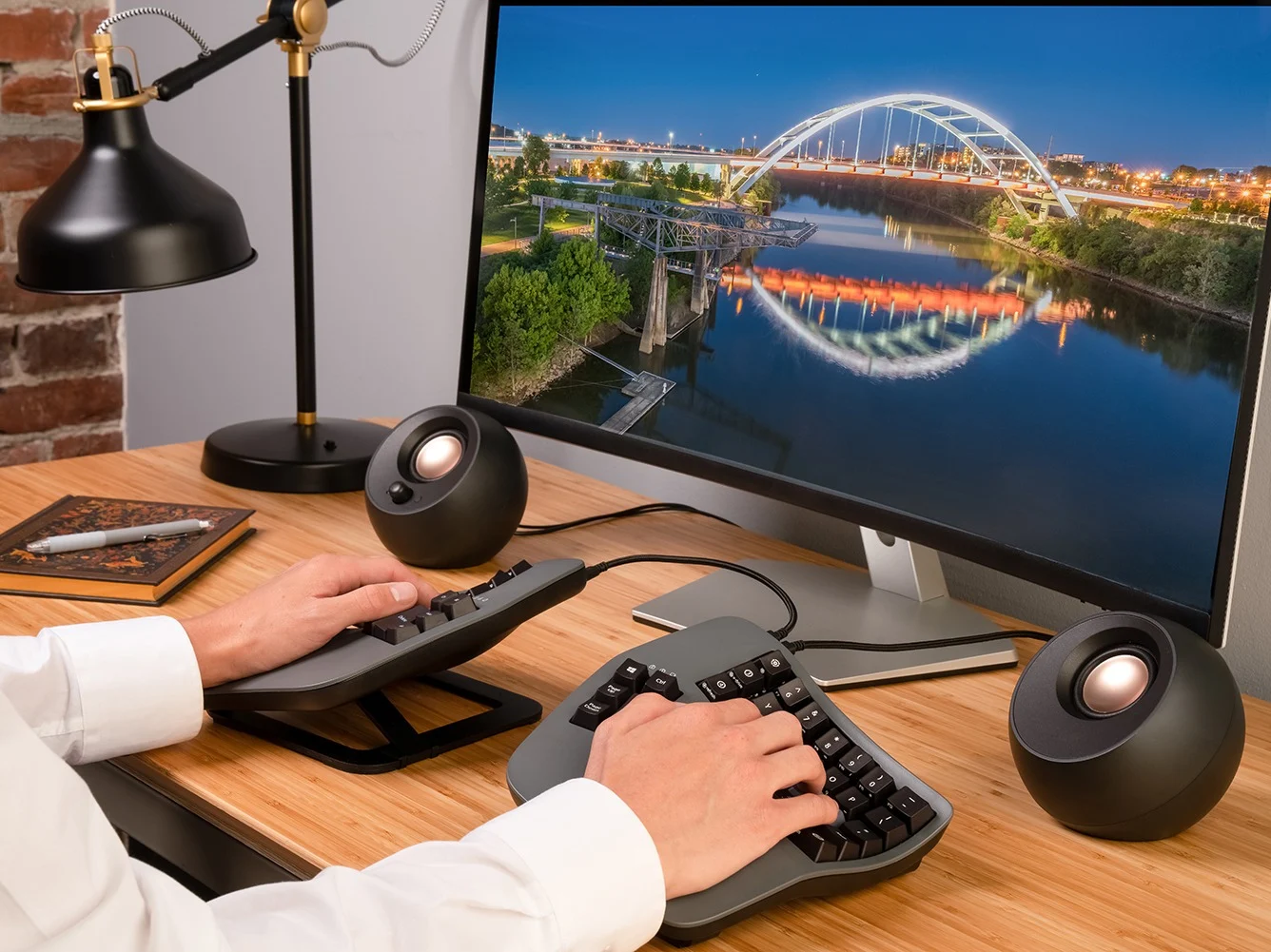
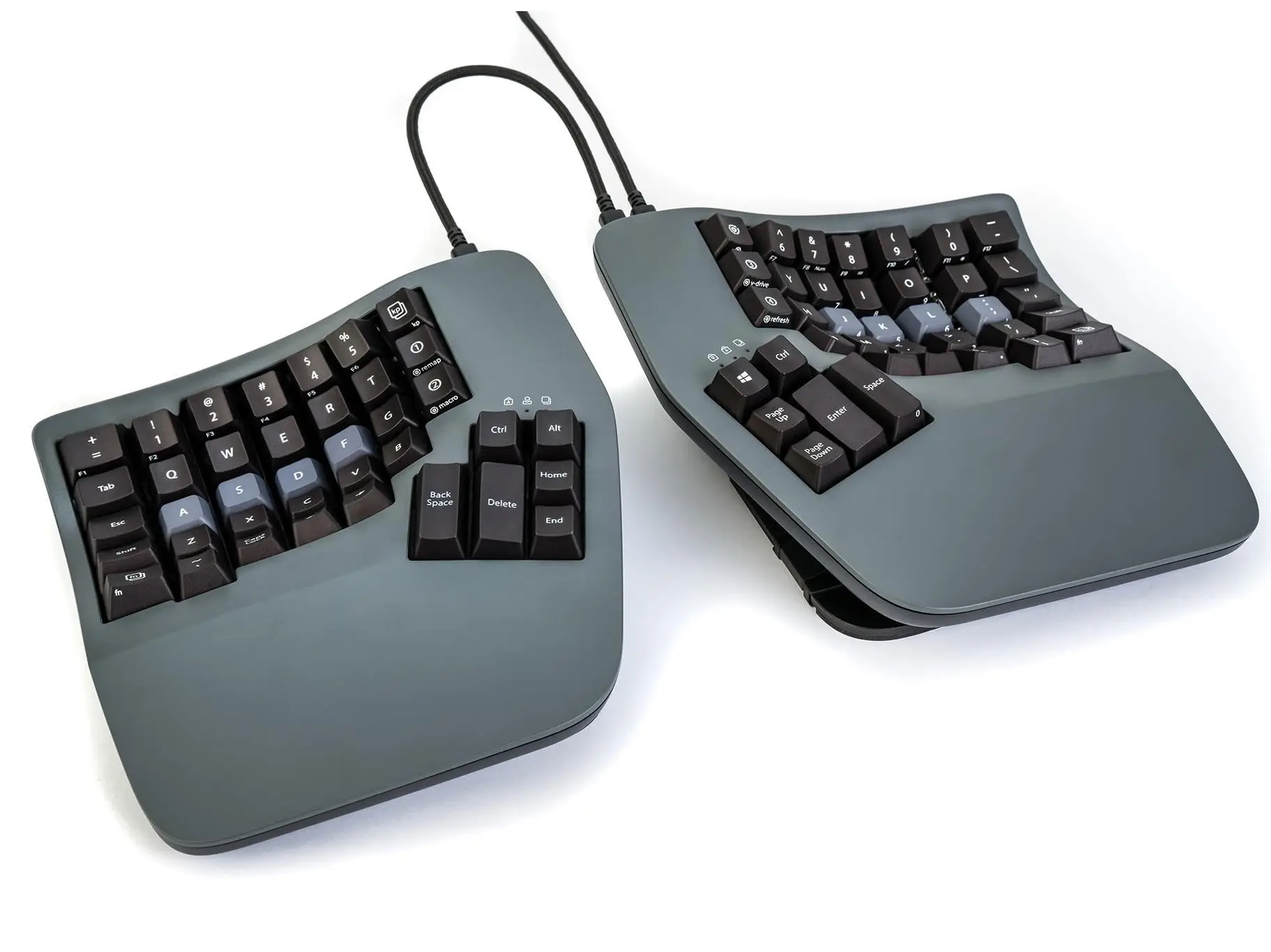
A standard keyboard asks your hands to squeeze together in the middle of your body and turn palms-flat to the desk. Hold that for eight hours and plenty of people feel it in the wrists, forearms or shoulders by evening. The Kinesis Advantage360 Professional takes the opposite approach: it splits in two so your hands can sit where your shoulders are.
How it changes your posture
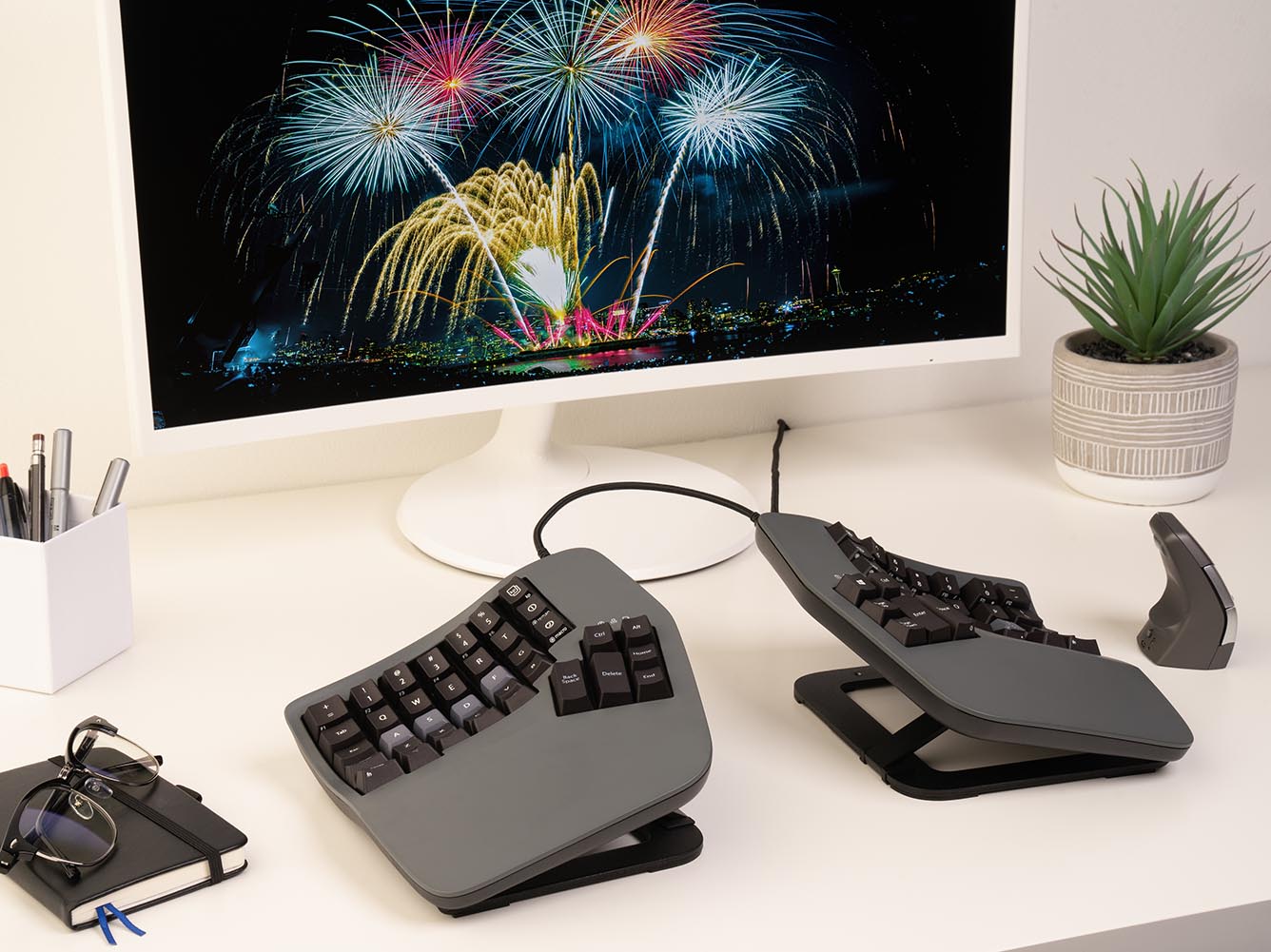
- Two separate halves. Move, rotate and angle each one to your own shoulder width. The halves can sit 15.25 inches apart at minimum, and each is 7.5 inches wide.
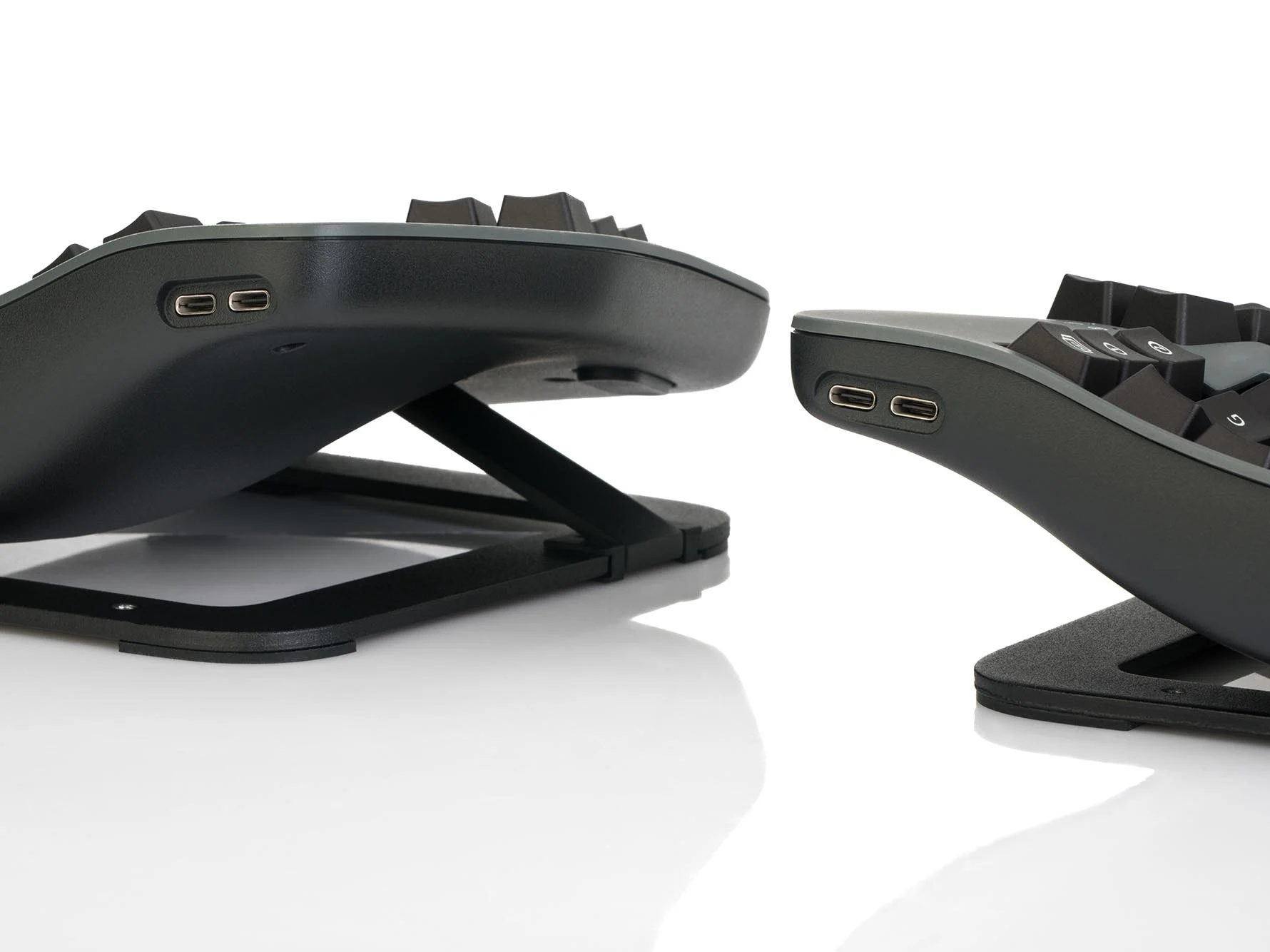
- Tenting. Three button-selected heights tilt the halves up in the middle, so your palms rotate toward each other instead of lying flat. Height runs from 2.75 to 4 inches.
- Bowl-shaped keywells and straight columns. Keys sit in a scooped shape and in vertical columns, which is meant to cut down on reaching.
- Thumb clusters. Enter, Space, Backspace and Delete move to your thumbs, giving your little fingers less work.
- No number pad. That lets your mouse sit closer to your body.
Choosing a switch
Gateron Brown switches are tactile, with 45 g actuation force. Kailh Box Pink switches are linear and quiet, with a lighter 35 g force, which suits shared offices or anyone who wants less finger effort.
The Pro extras
Wireless linking between the halves, Bluetooth for up to five devices, white backlighting and a rechargeable battery that lasts 2–3 weeks with the lights on or 2–3 months with them off. Programming happens in Kinesis’s browser-based Clique tool: up to 8 layers, macros and more than 350 actions. Advanced users can use ZMK firmware. It works with Windows, macOS, Linux, Android and Chrome, and comes with two charging cables, extra keycaps (including Mac modifiers), a keycap puller and a bridge connector.
Honest caveats
- The layout takes real time to learn. Kinesis offers a 60-day trial if it doesn’t suit you.
- Charge it only from your computer’s own USB port or a powered hub. Charging from wall adapters or power strips isn’t covered by the 3-year limited warranty.
- Palm pads are sold separately.
- A keyboard can change how you sit and reach, but it won’t undo an injury. If your hands go numb, tingle, or lose strength, see a clinician before you change your setup.
Hands, wrists or fingers hurting after work? The free Chronic Pain Check-Up is a quick place to start, and the wrist, hand and finger pain groups share a lot of desk-setup tips.
As an Amazon Associate, ItHurts.com earns from qualifying purchases.





Reviews
There are no reviews yet.